

A way to work
This is the workflow I use: think through the plan as a tree, then choose and track the work on Board. You don’t need to adopt all of it, or set everything up before you start.
1. Write in the Outline
Section titled “1. Write in the Outline”Start with the goal, then list what needs to happen. Break down the parts you understand well enough to act on. Keep asking what each task serves.
For Launch a startup, you might begin with research, a first version and finding customers. You can leave the later work broad while making the research tasks more concrete.
The full Outline gives you room to plan. The small outline beside the Board works well for adding tasks as they come to mind.
2. Choose work on the Board
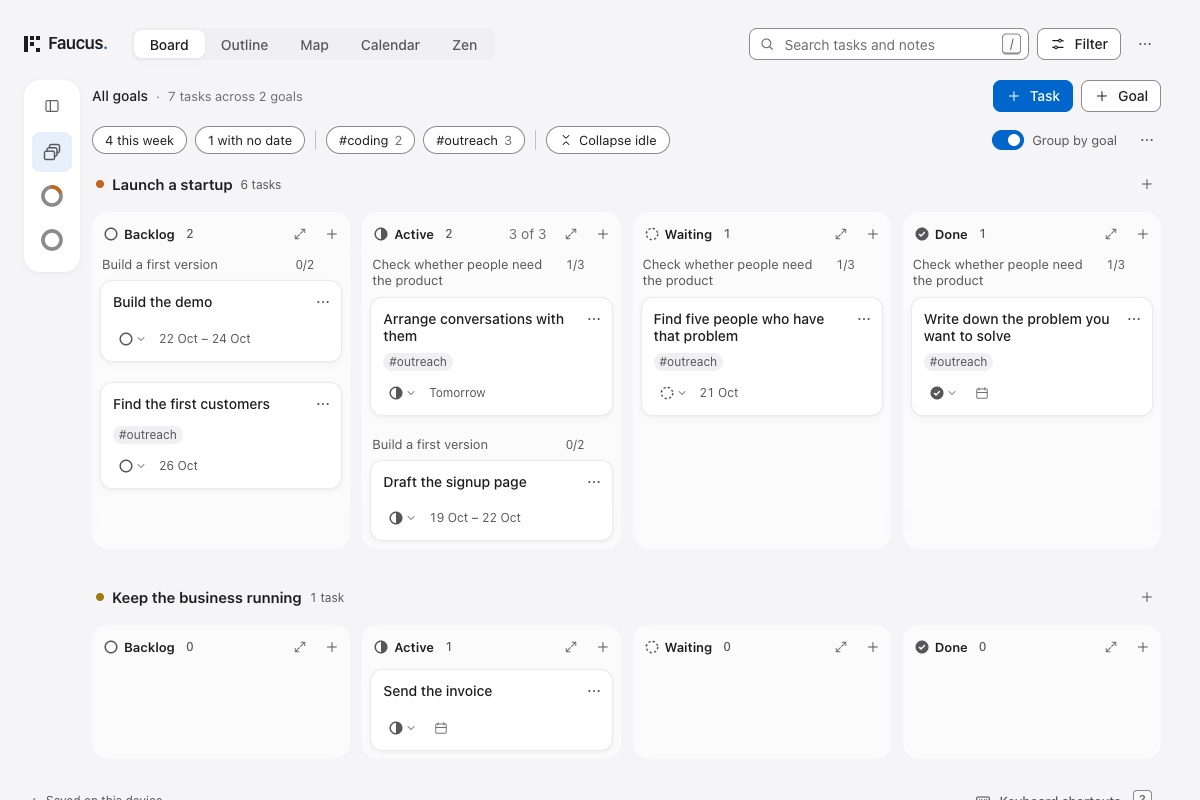
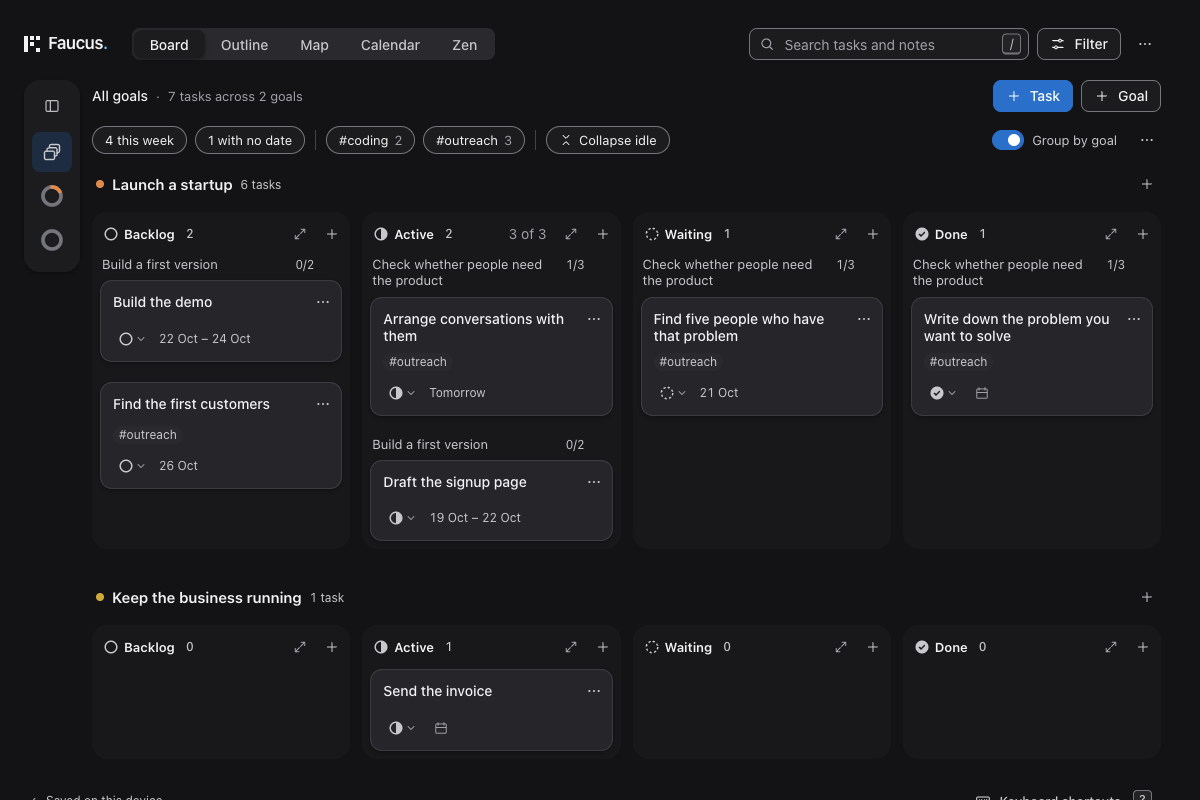
Section titled “2. Choose work on the Board”Switch to Board to decide what comes next. Put the work you intend to do first ahead of the rest. Expand Backlog when you want more room to compare tasks and rearrange them.
Move a few tasks into Active. Choose an Active limit that reflects the work you can actually give attention to, not how much you hope to finish. You can adjust it later.
If you’re waiting for someone else, move the task to Waiting rather than leaving it in Active.
 Open full size (new tab)
 Open full size (new tab)
3. Tag by the kind of work
Section titled “3. Tag by the kind of work”Add tags as useful distinctions emerge: #coding, #admin, #reading, #outreach. Pin the ones you return to often.
When you have time for conversations rather than coding, choose #outreach and look at that work. If a whole part of the plan is coding, let the tag apply to the tasks below it.
There’s no need to invent a complete tag system first.
4. Fold away idle work
Section titled “4. Fold away idle work”Turn on Collapse idle, or press I with single-key shortcuts enabled. Branches without Active or Waiting work fold away, leaving the work in motion easier to follow.
The rest of the plan is still there. This doesn’t finish, delete or filter out tasks.
5. Give dates to work that needs them
Section titled “5. Give dates to work that needs them”Switch to Calendar and drag tasks from the side outline onto days. Move a task or drag its ends to adjust the dates.
You don’t have to date everything. Keep undated work in Backlog until a date helps you plan it. The Calendar guide covers scheduling without dragging too.
Return to the Outline when the plan needs more thought, and to the Board when you need to choose what to do next.